Connect Two LED Light Strips: A Simple Guide
Ever found yourself in a situation where you've run out of space on your wall or desk for another LED light strip, but you're not ready to stop illuminating your space? You're not alone. The good news is, you can connect two LED light strips together to create a longer, more impressive display. But can you really connect two LED light strips together? The short answer is yes, but there are a few things you need to know before you start splicing wires.
Firstly, not all LED light strips are created equal. Some are designed to be daisy-chained, while others aren't. Always check your strip's specifications to ensure it can be connected to another strip. If you're unsure, it's always best to contact the manufacturer or consult with a professional.
Understanding Your LED Light Strips
Before you start connecting your LED light strips, it's crucial to understand how they work. LED light strips are essentially long, flexible circuit boards with LEDs soldered onto them. They come with a power supply and a controller that allows you to change the color, brightness, and mode of the lights.


Each strip has three main components: the power supply, the data input, and the data output. The power supply provides the electricity needed to light up the LEDs. The data input receives signals from the controller, telling the strip what color and pattern to display. The data output sends these signals to the next strip in the chain.
Power Supply
Most LED light strips use 12V DC power supply. When connecting two strips, you'll need to ensure both strips are compatible with the same voltage. Connecting strips with different voltages can damage them and may even cause a fire.


Some strips come with their own power supply, while others require you to purchase one separately. If you're using two strips with separate power supplies, you'll need to connect them in parallel to ensure both strips receive the same amount of power.
Data Input and Output
Most LED light strips use a 4-pin connector for data input and output. Two of these pins are for power (VCC and GND), and the other two (DIN and DOUT) are for data transmission. The DIN pin on one strip connects to the DOUT pin on the next strip, allowing them to communicate with each other.
When connecting two strips, make sure to connect the DIN pin on the first strip to the DOUT pin on the second strip. Also, ensure that the data flow is in the correct direction. The first strip in the chain should be connected to the controller, and the last strip should not have a DOUT pin connected to it.


Connecting Your LED Light Strips
Now that you understand how your LED light strips work, let's look at how to connect them. The process is relatively simple, but it requires some basic soldering skills and careful attention to detail.
You'll need a soldering iron, solder, wire cutters, and some electrical tape. You might also need a multimeter to check your connections. Always remember to turn off and unplug your strips before you start working on them to avoid electrical shocks.
Soldering the Power Supply
Start by connecting the power supply. If your strips have separate power supplies, connect them in parallel. This involves connecting the VCC and GND pins together. If your strips share a power supply, you can connect them in series by connecting the VCC pin of the first strip to the GND pin of the second strip.


Use your multimeter to ensure that the power supply is working correctly. The VCC pin should read around 12V, and the GND pin should read 0V.
Soldering the Data Connection
Next, connect the data input and output. Start by cutting the 4-pin connector off the end of the first strip. Then, strip about an inch of insulation off the wires. Twist the wires together and solder them to the corresponding pins on the second strip.
Ensure that the DIN pin on the first strip is connected to the DOUT pin on the second strip. Also, make sure that the power supply wires (VCC and GND) are connected correctly. Use electrical tape to insulate your solder joints and prevent them from shorting out.
Testing Your Connection
Once you've made all your connections, it's time to test your setup. Plug in your strips and turn on the power. If everything is connected correctly, your strips should light up and work as one long strip.
If your strips aren't working, double-check your connections. Make sure that all your solder joints are secure and that none of your wires are shorting out. If you're still having trouble, consult the manufacturer's instructions or contact a professional for help.
Troubleshooting Common Issues
While connecting LED light strips is generally straightforward, you might encounter some issues along the way. Here are a few common problems and their solutions:
My strips aren't lighting up. This could be due to a few reasons. First, check that your power supply is working correctly. If it is, then the issue might be with your data connection. Double-check that the DIN and DOUT pins are connected correctly. Also, ensure that the data flow is in the right direction.
My strips are flickering. Flickering can be caused by a few things. It could be that your strips are receiving too much power, or it could be that there's too much resistance in your circuit. Try reducing the length of your strips or increasing the distance between them. You could also try adding a capacitor to your circuit to smooth out the power supply.
Remember, if you're unsure about anything, it's always best to consult with a professional. Electrical work can be dangerous if not done correctly, so it's important to know your limits.
In the end, connecting two LED light strips together can greatly enhance the ambiance of your space. Whether you're looking to create a longer light display or to illuminate a larger area, daisy-chaining your strips is a great way to do it. Just remember to do your research, follow safety guidelines, and don't be afraid to ask for help if you need it.
Related Articles
Connect Two Govee Light Strips Together: A Simple Guide
Are you wondering if you can connect two Govee light strips together to create a longer, more impressive lighting display? The answer is yes, you can, and it's...
Connect 2 Govee Light Strips: A Step-by-Step Guide
Ever found yourself wanting to extend the ambiance of your smart lighting setup but unsure if you can connect two Govee light strips together? You're not...
Connect Two Govee Lights: A Simple Guide
Are you wondering if you can connect two Govee lights together to create a harmonious smart lighting setup? The answer is yes, and it's easier than you might...

Sew Felt Together: A Simple Guide
Embarking on a craft project with felt can be an incredibly rewarding experience. This versatile material is not only easy to work with but also lends itself...
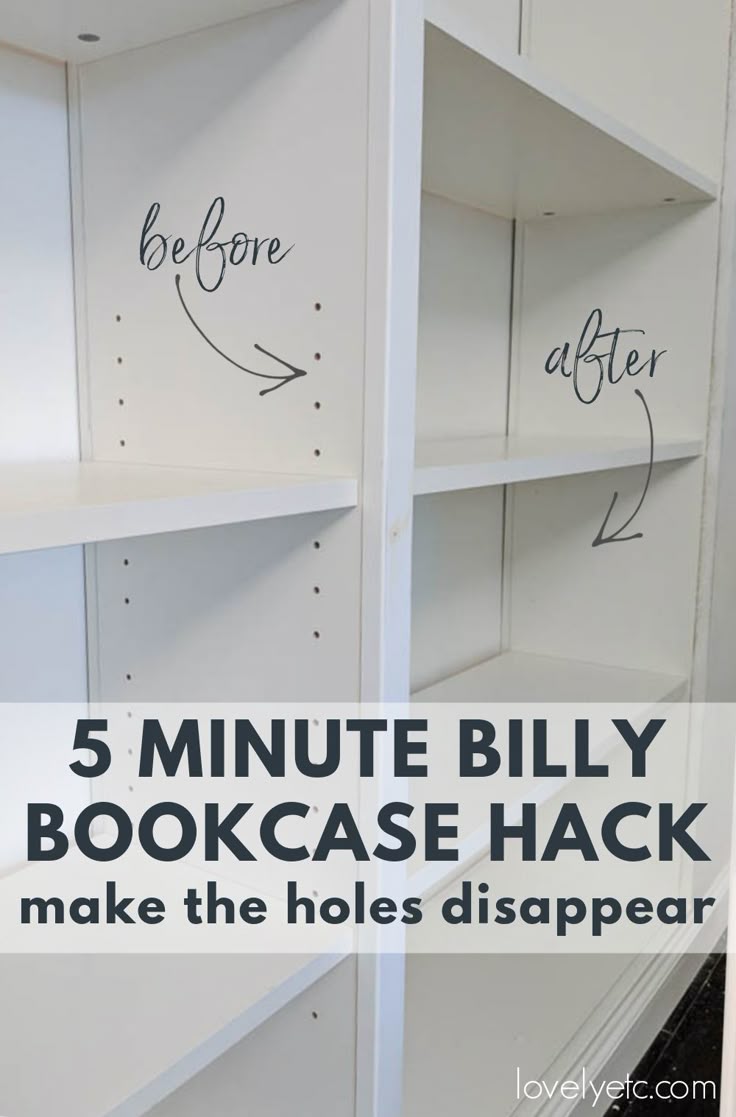
How to Connect IKEA Billy Bookcases: A Step-by-Step Guide
If you're looking to maximize your storage space in a stylish way, IKEA's Billy bookcases are an excellent choice. These versatile units can be configured in...

Connect IKEA Kallax Units: Easy Step-by-Step Guide
Are you looking to create a stylish and functional storage solution with your IKEA KALLAX units? Connecting them together can help you achieve a seamless...